

Toshiba e-STUDIO2010AC
The Toshiba e-STUDIO2010AC makes Complex functions simple. This entry-level colour schemed printer can be customised to each business's daily specifications when functionality is a priority.
Feature Listing
- 20 Pages Per Minute
- Intuitive access to all the functions thanks to the tablet-style 10.1” colour touch screen.
- Mobile printing makes it easier to provide more open networking.
- Print/Copy/Scan
20 Pages per Minute
Fast 20ppm for everyday use in the workplace.
10.1" Touchscreen
User-friendly UI touchscreen so everyone in your office can use it with ease and no struggle.
eco-friendly
Low energy demand and exceptional environmental efficiency
All in one
With this Toshiba all-in-one printer, you can print, copy, scan or fax.

This entry-level colour system may be customised to any business’s daily requirements because functionality is a focus.
With a print speed of up to 20 pages per minute, high-quality document production is ensured.
The tablet-style 26 cm (10.1”) colour touch screen provides intuitive access to all operations.
The support of mobile printing allows for more accessible connection.
Print & Copy Speed: 20 ppm (A4) 10 ppm (A3)
Warm-up Time:Approx. 13 seconds from low power mode
Paper Size & Weight:Cassette: A5R-A3, 60-163 g/m² Bypass: 100 x 148 mm-A3, 60-209 g/m²
Paper Capacity: 1x 250 sheets (Cassette), 1x 100 sheets (Bypass)
Maximum: 2,900 sheets
Inner Output Tray: 550-sheet capacity
Automatic Duplex: A5R-A3, 60-163 g/m²Controller Type:Toshiba e-BRIDGE Next
Control Panel: 26 cm (10.1″) Multi-Touch Colour Panel
Memory: Toshiba Secure HDD 320 GB**,
Standard: 2 GB RAM, Maximum: 4 GB RAM*
Interface: 10Base-T/100Base-TX/1000Base-T,
High-Speed USB 2.0, WLAN* (IEEE802.11b/g/n), Bluetooth*, Wi-Fi Direct*
Dimensions & Weight: 575 x 586 x 662 mm (W x D x H), ~ 57 kg
Resolution: 600 x 600 dpi, 5 bit,
600 x 1,200 dpi, 1 bit with PostScript driver only
Page Description Languages: PCL5e, PCL5c, PCL6 (PCL XL), XPS, PDF and PostScript 3 compatibleSupported Systems:Windows 10/8.1/7/Server 2008 (32/64 bit), Windows Server 2016/Server 2012 R2/Server 2012/Server 2008 R2 (64 bit), Mac OS X 10.6.8-10.13, Linux/Unix, Citrix, Novell SLES, SAP, AS/400
Network Protocols: TCP/IP (IPv4/IPv6), IPX/SPX, EtherTalk, NetBios over TCP/IP
Colour Modes: Auto-Colour (ACS), Colour, Twin Colour, Monochrome
Colour Settings: ICC profile colour management, Brightness, Saturation, Contrast, Colour Balance
Mobile Printing: e-BRIDGE Print & Capture, AirPrint, Mopria Print Service, Google Cloud Print
Print Functions: Universal Printer Driver, Driver Templates, Driver plug-ins*, Print from USB, Hold print, Tandem printing, E-mail direct printing
Resolution: Maximum 600 x 600 dpi
Scan Speed: Reversing Automatic Document Feeder*:
up to 73 ipm (300 dpi) in colour and monochrome
Scan Modes: Auto-Colour (ACS), Colour, Greyscale, Monochrome
File Formats: JPEG, Multi/Single Page TIFF/XPS/PDF, Secure PDF, Slim PDF, PDF/A (A-1, A-2), Searchable PDF (and other formats like DOCX, XLSX)* ***
Scan Functions: WS Scan, Scan to USB, Scan to E-Mail, Scan to File (SMB, FTP, FTPS, IPX/SPX, Local), Meta Scan*, OCR scan* ***, Scan to Box (e-Filing), WIA, TWAIN
Resolution:
Scan: 600 x 600 dpi
Print: 600 x 600 dpi, 5 bit,
equiv. 2,400 x 600 dpi with smoothing (monochrome only)
First Print Output Time: Colour: Approx. 9.5 seconds
Monochrome: Approx. 7.1 seconds
Zoom: 25-400% (platen), 25-200% (RADF)*
Copy Modes: Text, Text/Photo, Photo, Printed Image, Map, Image Smoothing
Colour Modes: Auto-Colour (ACS), Full Colour, Twin Colour, Mono Colour, Monochrome
Colour Settings: Hue, Saturation, Colour Balance, RGB adjustment, 5 one-touch modes
Copy Functions: Electronic Sort, Rotate Sort, ID Card Copy, Edge Erase, 2-in-1 / 4-in-1 mode
Communication: Super G3, G3 – (opt. 2nd line), Internet Fax T.37
Transmission Speed: Approx. 3 seconds per page
Compression: JBIG, MMR, MR, MH
Fax Memory: 1 GB Transmission/Reception
Network-Fax: Driver for Windows 10/8.1/7/Server 2008 (32/64 bit), Windows Server 2016/Server 2012 R2/Server 2012/Server 2008 R2 (64 bit)
Incoming Fax Routing: To shared folders (SMB, FTP, IPX/SPX), E-Mail, e-Filing
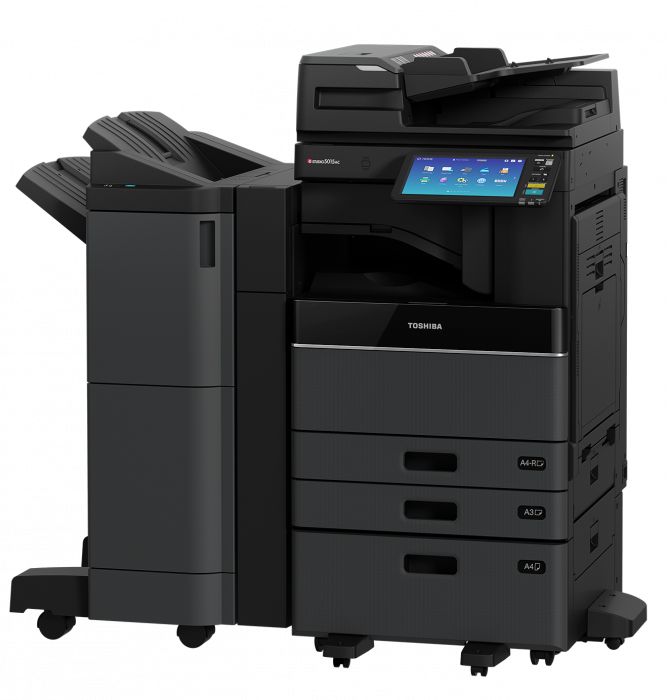
Toshiba e-STUDIO3515AC
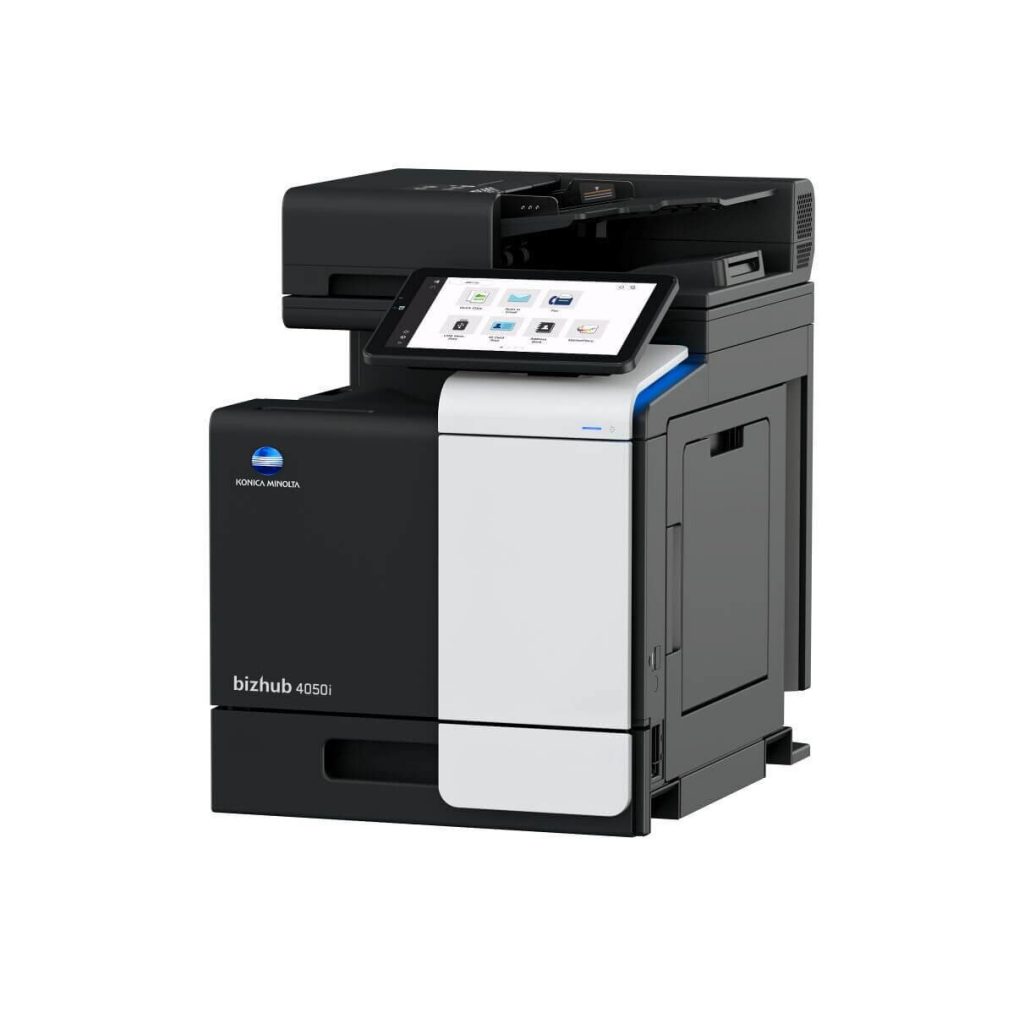
Konica Minolta bizhub 4050i